

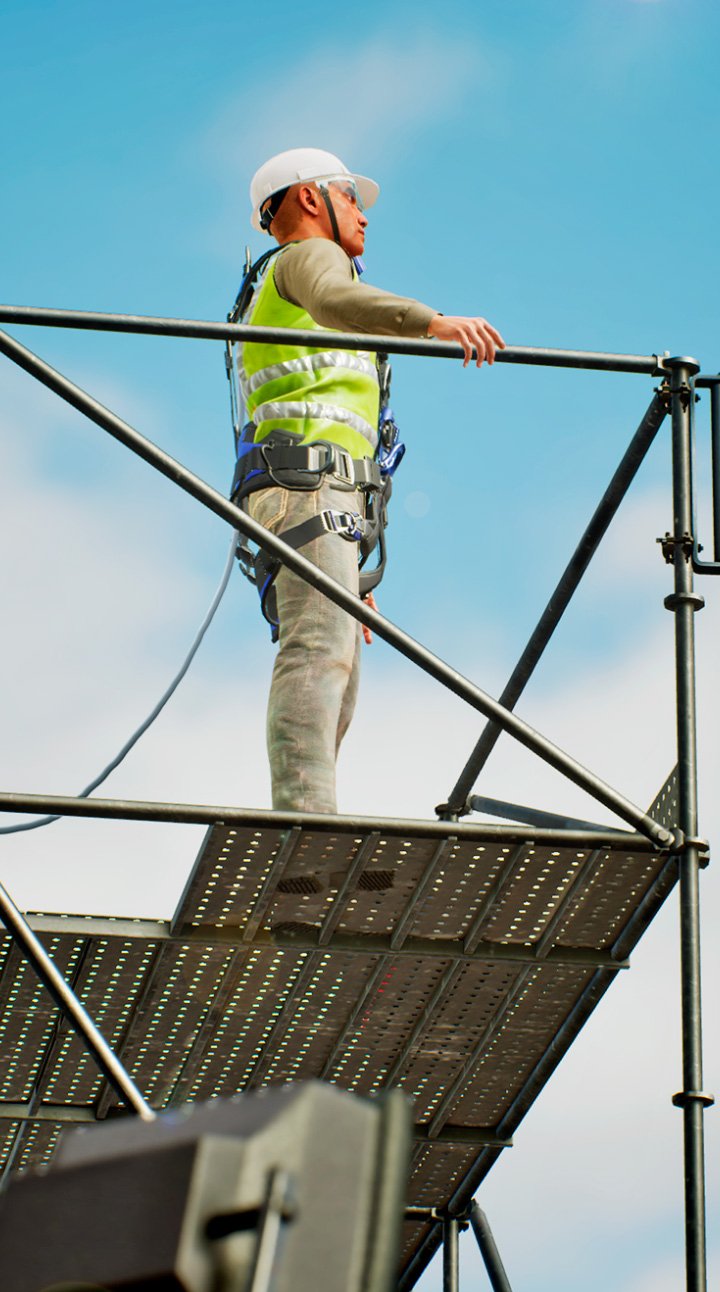
Practice safe work at height in VR: inspect fall-protection PPE, climb scaffolds,
secure tie-offs, and install pulley systems with step-by-step procedural guidance.
This VR training guides users through safe scaffold climbing, tie-off, and pulley installation at height. Includes PPE inspection, use of chest ascenders, horizontal lifelines, and travel restraint systems. Step-by-step instruction ensures procedural compliance.
Features
Category
Construction Safety
Learning objectives
PPE Inspection, Ascend scaffold, Install safety pulley
Target audience
Construction workers, scaffolders, utility technicians
Duration
15-20 minutes
Training modes
Single user
Assessment and Feedback
No Assessment
Available on
Quest 2, Quest 3, Quest Pro, Pico 4
Languages
English, Українська, Español
Included in plan
Standard and Enterprise plans
Getting started
Getting started

2. Log in
Launch the Metaenga app on your VR headset.
Log in or sign up on the XR training platform.

3. Start training
Navigate to the VR training library tab.
Choose and launch VR safety training.
This VR training module takes approximately 15-20 minutes for the listed scenario. Allow additional time for headset setup, instructor guidance, and discussion.
This training runs on Quest 2, Quest 3, Quest Pro, Pico 4. Check the module details and confirm the supported device model before arranging an evaluation.
This module focuses on practice without a formal assessment. Review its objectives with an instructor and agree how it will complement supervised practical training.
This VR training is available in English, Українська, Español. Module audio and content languages can differ from the website interface. Confirm the required language before planning a rollout.
This module is designed for Construction workers, scaffolders, utility technicians. Review the objectives with your instructor or procedure owner to check fit with your training programme.
Compare library subscriptions on the pricing page and confirm that your selected module is included. Billing depends on the plan and headset count. Custom development or adaptation is scoped separately.
Choose a relevant module, confirm its headset and language requirements, create an organisation account, and install the Metaenga VR app. Plan instructor guidance and a small evaluation before a wider rollout. Contact the team to discuss deployment requirements.
The Free plan includes selected modules. For this module, book a live demonstration at metaenga.com/book-a-demo or contact sales to discuss evaluation access and requirements.
Subscribe
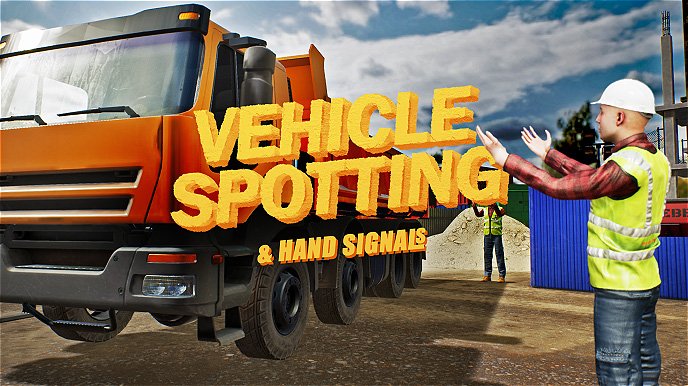
Vehicle Spotting &Hand Signals Training
Learn and practice construction site hand signals with real-time vehicle response.
View details
Free demo
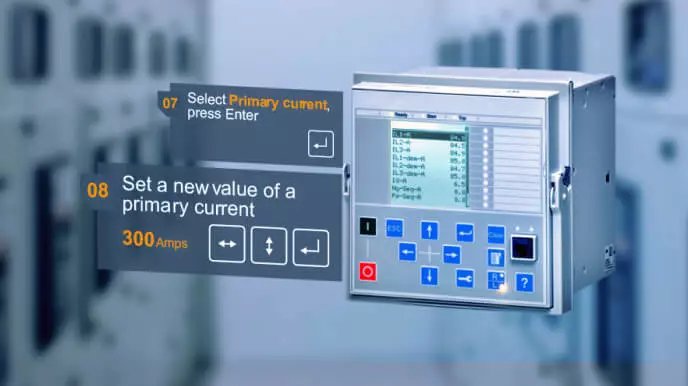
Feeder Protection Relay
The participants are able to configure a Feeder protection relay based on the ABB REF615 device.
View details
Subscribe
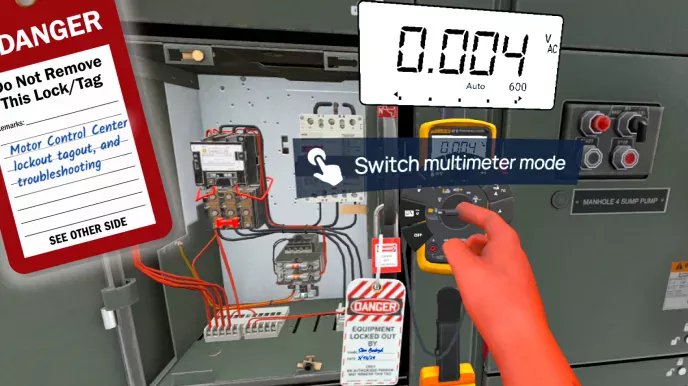
Motor Control Center Troubleshooting
This VR experience takes through real-life scenarios involving MCC safety based on NFPA 70E.
View details
