


This VR training module meets NFPA 70E and OSHA standards by guiding you through real-life scenarios
involving MCC troubleshooting and proper PPE application.
This unique Motor Control Center Troubleshooting experience takes you through real-life scenarios involving MCC safety, troubleshooting, and proper PPE application, all in a risk-free environment. Designed to meet NFPA 70E and OSHA standards.
Features
Category
Electrical Safety
Learning objectives
Live-Dead-Live Tests, Arc Flash Protection, MCC safety, PPE, Lockout-Tagout
Target audience
HSE Trainers and Professionals, Electricians and Electrical Engineers
Duration
20 min
Training modes
Single user
Assessment and Feedback
Assessment Included
Available on
Quest 2, Quest 3, Quest Pro, Pico 4
Languages
English, Українська, Español
Included in plan
Standard and Enterprise plans
Getting started
Getting started

2. Log in
Launch the Metaenga app on your VR headset.
Log in or sign up on the XR training platform.

3. Start training
Navigate to the VR training library tab.
Choose and launch VR safety training.
This VR training module takes approximately 20 min for the listed scenario. Allow additional time for headset setup, instructor guidance, and discussion.
This training runs on Quest 2, Quest 3, Quest Pro, Pico 4. Check the module details and confirm the supported device model before arranging an evaluation.
This module includes an assessment. Review the assessment details above and ask for a demonstration of its reporting. A simulation result supports instructor feedback; it does not by itself certify competence or authorise hazardous work.
This VR training is available in English, Українська, Español. Module audio and content languages can differ from the website interface. Confirm the required language before planning a rollout.
This module is designed for HSE Trainers and Professionals, Electricians and Electrical Engineers. Review the objectives with your instructor or procedure owner to check fit with your training programme.
Compare library subscriptions on the pricing page and confirm that your selected module is included. Billing depends on the plan and headset count. Custom development or adaptation is scoped separately.
Choose a relevant module, confirm its headset and language requirements, create an organisation account, and install the Metaenga VR app. Plan instructor guidance and a small evaluation before a wider rollout. Contact the team to discuss deployment requirements.
The Free plan includes selected modules. For this module, book a live demonstration at metaenga.com/book-a-demo or contact sales to discuss evaluation access and requirements.
Subscribe
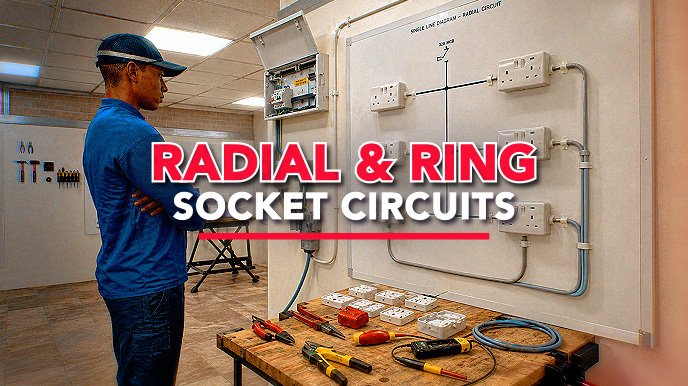
Radial and RingSocket Circuits
Build and troubleshoot radial and ring circuits to BS 7671.
View details
Subscribe
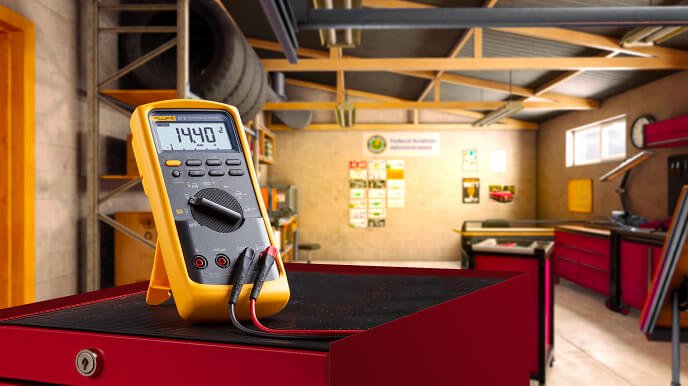
Digital Multimeter Basics
This VR training covers electrical measurement safety based on Fluke 87v multimeter in electrical testing.
View details
Subscribe
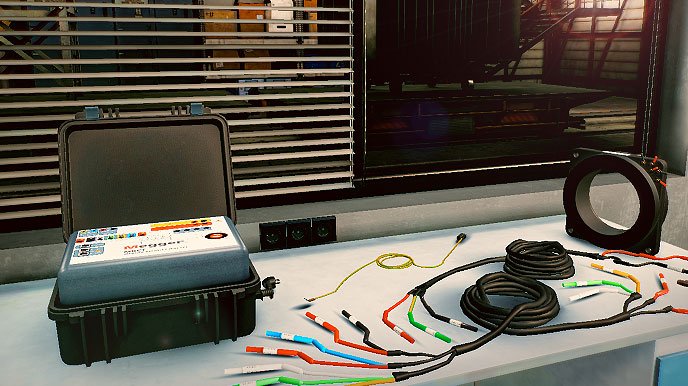
Megger Relay andCT Test Set
A complex VR guide of the MRCT, with detailed voiceover explanations and animations.
View details
