

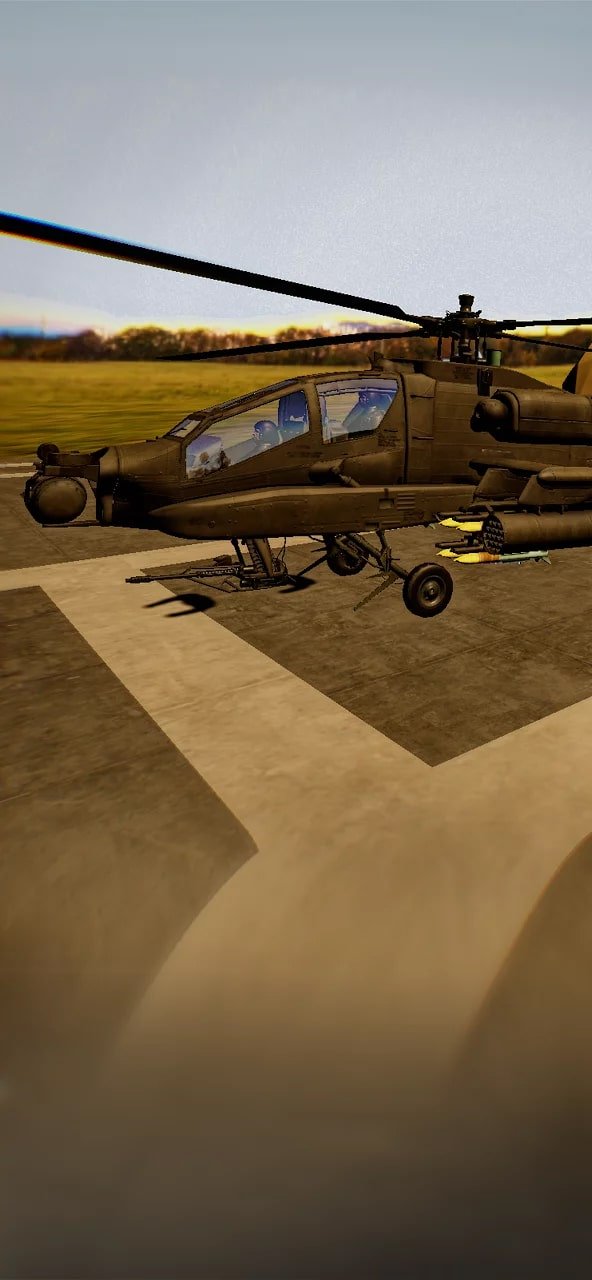
VR training immerses helicopter landing officers and pilots in a realistic and safe environment to master landing the AH-64 Apache
The VR training is specifically designed to offer a practical and immersive environment to train Helicopter Landing Officers (HLOs) and pilots focusing on landing the AH-64 Apache in various conditions. This immersive training improves decision-making skills and promotes pilot and landing officer coordination.
Features
Category
Military
Learning objectives
Helicopter landing procedure
Target audience
Employee onboarding
Duration
10 min
Training modes
Single user
Assessment and Feedback
No assessment
Available on
Quest 2, Quest 3, Quest Pro, Pico 4
Languages
English, Українська, Español
Included in plan
Standard and Enterprise plans
Getting started
Getting started

2. Log in
Launch the Metaenga app on your VR headset.
Log in or sign up on the XR training platform.

3. Start training
Navigate to the VR training library tab.
Choose and launch VR safety training.
This VR training module takes approximately 10 min for the listed scenario. Allow additional time for headset setup, instructor guidance, and discussion.
This training runs on Quest 2, Quest 3, Quest Pro, Pico 4. Check the module details and confirm the supported device model before arranging an evaluation.
This module focuses on practice without a formal assessment. Review its objectives with an instructor and agree how it will complement supervised practical training.
This VR training is available in English, Українська, Español. Module audio and content languages can differ from the website interface. Confirm the required language before planning a rollout.
This module is designed for Employee onboarding. Review the objectives with your instructor or procedure owner to check fit with your training programme.
Compare library subscriptions on the pricing page and confirm that your selected module is included. Billing depends on the plan and headset count. Custom development or adaptation is scoped separately.
Choose a relevant module, confirm its headset and language requirements, create an organisation account, and install the Metaenga VR app. Plan instructor guidance and a small evaluation before a wider rollout. Contact the team to discuss deployment requirements.
The Free plan includes selected modules. For this module, book a live demonstration at metaenga.com/book-a-demo or contact sales to discuss evaluation access and requirements.
Free demo
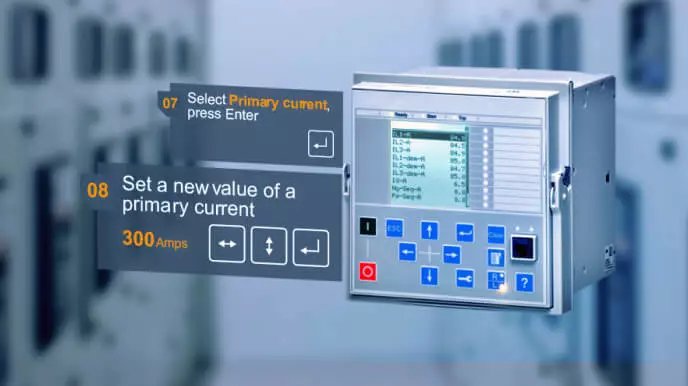
Feeder Protection Relay
The participants are able to configure a Feeder protection relay based on the ABB REF615 device.
View details
Subscribe
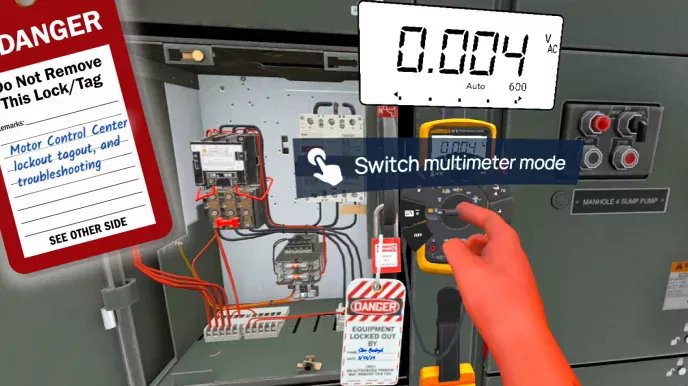
Motor Control Center Troubleshooting
This VR experience takes through real-life scenarios involving MCC safety based on NFPA 70E.
View details
Subscribe
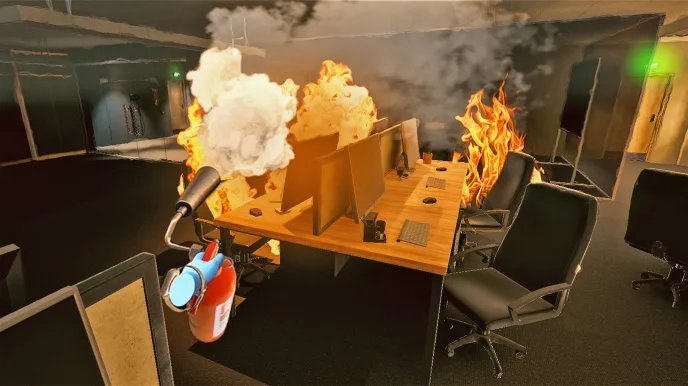
Fire Safety and Emergency Response Training
Immerse yourself in Fire Safety VR training and learn how to act quickly and effectively.
View details
